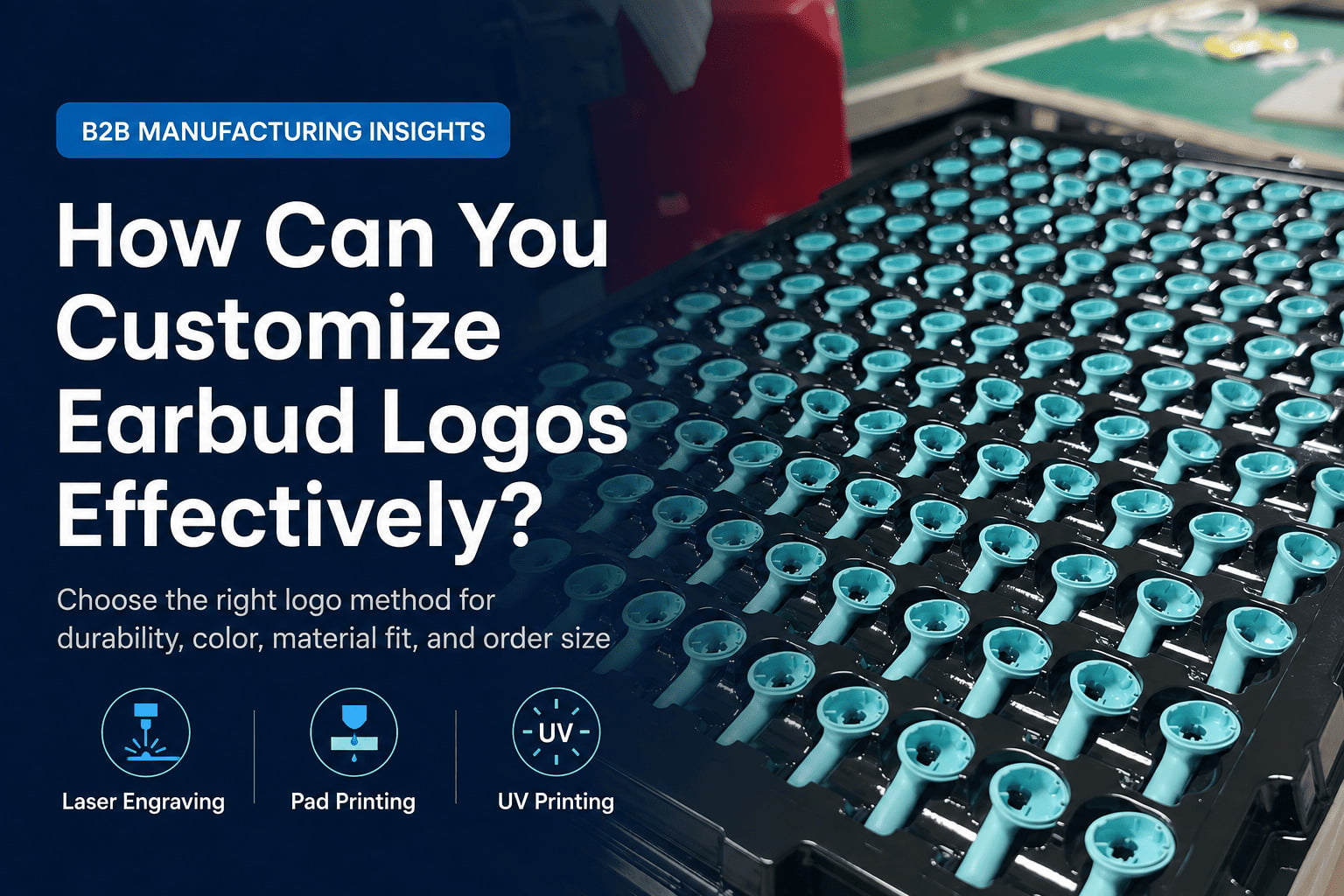
How Can You Customize Earbud Logos Effectively?
Struggling to get your brand logo perfectly onto earbuds? Many buyers face challenges with inconsistent quality or unexpected costs. I help you navigate these options to ensure your brand stands out, without the hassle.
Effective earbud logo customization means choosing the right method—like laser engraving for durability or pad printing for color—based on your logo's design, the earbud's material, and your order size. Matching these elements correctly reduces risks, saves costs, and ensures your brand vision comes to life.
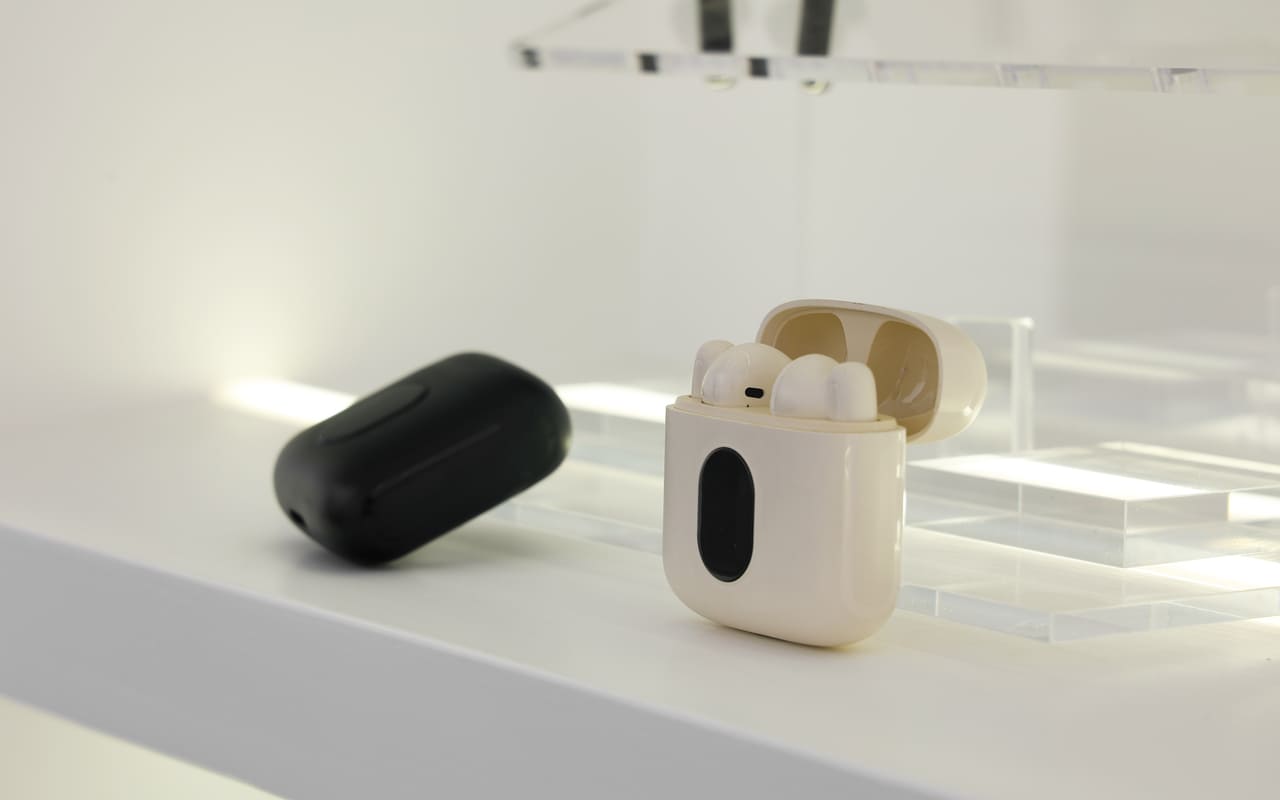
As a coordinator working with global buyers every day, I see common questions about branding earbuds. I understand you want your product to look good and last. Let's explore how different logo methods work for your specific needs, focusing on what matters for your procurement decisions.
Is Laser Engraving the Best Choice for Earbud Logos?
Worried about your logo fading or scratching off? Laser engraving seems durable, but it is not always the right fit. I show you when it works best and when you should look elsewhere.
Laser engraving is great for durable, monochrome logos on certain hard materials like metal or matte plastic1, creating a precise, permanent mark. However, it cannot add color and may not show well on glossy surfaces or complex designs.
When Laser Engraving Makes Sense
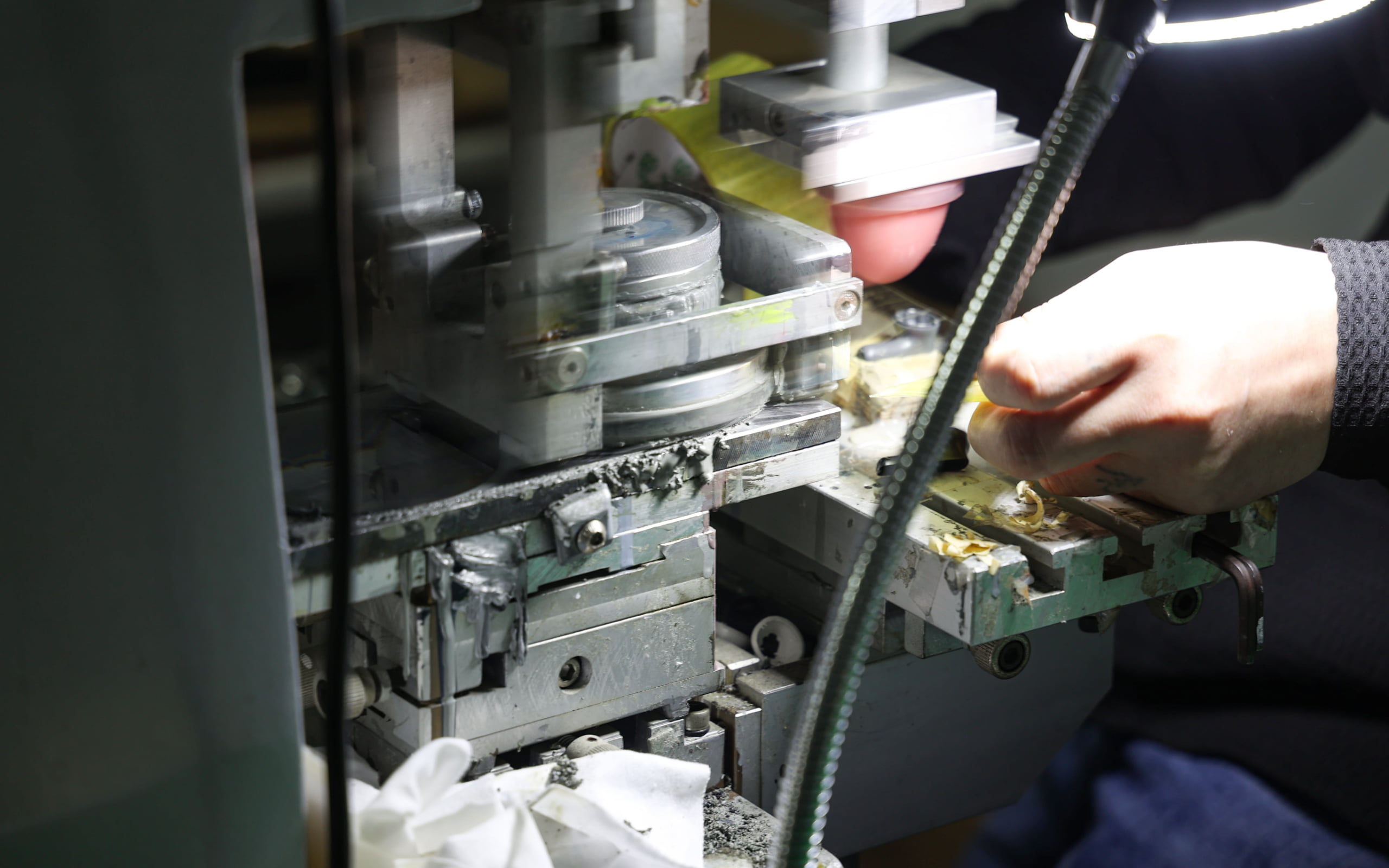
When my clients want a logo that lasts and cannot rub off, I often suggest laser engraving. This method uses a laser beam to remove a top layer of material or change its surface2, creating a permanent mark. For earbuds, this means your logo becomes part of the product. It is a good choice for simple, single-color logos. For example, if you have a white plastic earbud, the laser might burn away a tiny top layer, revealing the darker plastic underneath. This gives a clear, permanent contrast. The visual effect depends on the material's reaction to the laser. For metal parts, it can create a sharp, elegant look. This method greatly reduces the risk of your logo disappearing over time, which means fewer complaints from your end customers. It protects your brand image for the long run.
Material Matters: Surface Compatibility
Not all earbud materials work well with laser engraving. It performs best on hard surfaces like ABS plastic (especially matte finishes), aluminum, and some other metals3. On glossy plastic, the contrast might be very subtle. Sometimes, it is hard to see the logo clearly. On silicone or rubberized surfaces, laser engraving is usually not an option. The material might melt or not show a clear mark. When a buyer wants a logo on a soft ear tip or a silicone case, I always tell them laser engraving is not suitable. This is a common misunderstanding. You need to know what your earbud is made of. We always check this detail with our factories to avoid surprises. If the material does not suit laser engraving, forcing it will lead to poor quality results and wasted money.
Design Limitations to Consider
Laser engraving works best with simple line art or text. It cannot create gradients or multiple colors. If your logo has fine details, very thin lines, or needs specific color branding, laser engraving will not meet your needs. It is a monochrome process. You only get one color: the color of the material underneath or the color the laser makes on the surface. For a buyer with a complex, multi-color brand logo, choosing laser engraving is a risk. The final output will look very different from their original design. This can be a big problem for brand consistency. The more complex your logo, the more likely laser engraving will simplify or alter its look too much.
| Buyer Consideration | Laser Engraving Impact |
|---|---|
| Durability | Very High, Permanent Mark |
| Color Options | One color (material's contrast) |
| Material Fit | Hard materials (ABS, metal), better on matte finishes |
| Logo Complexity | Best for simple lines, text, no gradients/fine details |
| MOQ Impact | Generally low, factory setup is quick for standard items |
| Cost | Relatively cost-effective per unit for suitable designs |
When Should You Consider Pad Printing for Your Earbuds?
Need vibrant colors for your brand logo on earbuds? Pad printing offers color flexibility, but it comes with its own set of challenges. I help you understand if it is the right solution for your colorful designs.
Pad printing allows for one or more colors on various earbud materials like plastic or silicone, making it versatile for detailed and colorful logos. Its strength is color application, but durability can be a concern with heavy use or specific surface textures.
Achieving Color with Pad Printing
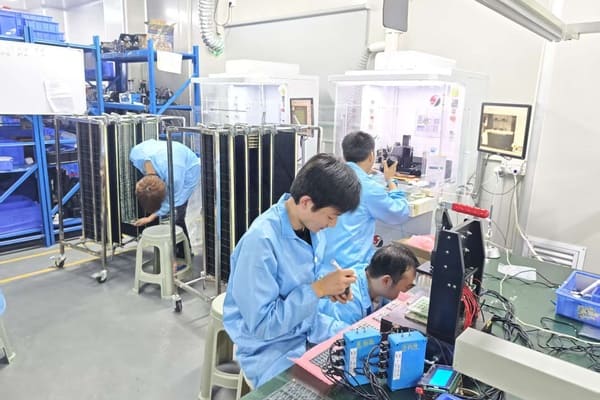
Pad printing is a very common method for adding color logos4. It uses a silicone pad to transfer ink from an etched plate onto the earbud surface5. The biggest advantage is its ability to apply specific colors. If your brand uses a specific Pantone color, pad printing can match it6. This is crucial for brand consistency. You can have one, two, or even three colors in your logo. For example, many buyers want their company logo and a small certification mark. Pad printing can achieve this. Each color needs its own printing plate and setup, though. So, a two-color logo needs two setups. I always tell buyers that this adds to the cost and complexity. It means that while you get your brand colors, you must balance the number of colors with your budget.
Durability and Wear
While pad printing offers color, its durability is not as high as laser engraving. The ink sits on top of the earbud surface. Over time, with constant handling, sweat, or friction, the logo can wear off or scratch7. This is a key risk for earbuds, as they are handled daily. Factors like the type of ink used, the earbud material, and how the logo is cured (dried) affect its resilience. When a client tells me their end-users will use the earbuds heavily, like for sports, I warn them about potential wear. We discuss using more durable inks or coatings, but these can add cost or specific drying times. It is a trade-off. For a 3,000-unit test order, if the customer expects the logo to last for years under heavy use, pad printing might not be the lowest risk option.
Multi-Color Considerations and Costs
The more colors you have in your logo, the more complex and costly pad printing becomes. Each color requires a separate "pass" through the printing process. This means more setup time, more plates, and more chances for alignment errors if not done carefully. For a buyer, this translates into higher upfront costs (tooling) and potentially longer lead times. A logo with one or two colors is usually straightforward. A logo with three or more colors, or with very intricate alignment needs, increases the MOQ from the factory. They need to justify the setup cost over more units. I have seen buyers want a complex, gradient logo thinking pad printing can do it easily. I always explain that gradients are very hard or impossible with standard pad printing. It is best for solid blocks of color.
| Buyer Consideration | Pad Printing Impact |
|---|---|
| Durability | Moderate, can wear off with heavy use |
| Color Options | Multiple spot colors, good for brand color matching |
| Material Fit | Versatile (plastic, silicone), good for complex shapes |
| Logo Complexity | Good for solid colors, text, some details; hard for gradients |
| MOQ Impact | Moderate, increases with more colors and setup time |
| Cost | Increases per color; tooling costs per color |
Are Other Methods Like UV Printing or Silk Screening Right for Earbuds?
Beyond the usual, other methods exist for unique earbud logos. Are these specialized options practical for your bulk orders? I will help you see if these advanced techniques fit your needs.
Less common methods like UV printing offer high-resolution, full-color designs on some surfaces, while silk screening works for simpler designs on flat areas. These options can be niche, often requiring higher MOQs or specific product designs, making them less universally applicable.
UV Printing for Intricate Details
UV printing is a newer method. It uses UV light to cure (dry) ink almost instantly as it is printed onto the surface. The big advantage here is full-color capability and high resolution. If you have a photograph-like image or a very complex, multi-color gradient logo, UV printing can achieve it. This method can print directly onto many surfaces without needing a separate plate for each color8. This sounds great, but for small items like earbuds, there are challenges. The print area is very tiny. Achieving perfect detail on a curved or very small surface is hard. The inks are often a bit thicker, and for a small earbud, this can feel raised. Also, UV print durability can vary. It can be quite resistant to scratches if properly cured and if the surface is pre-treated, but it might not withstand constant rubbing as well as laser engraving.
Silk Screening: Simplicity on Flat Surfaces
Silk screening is an older, well-established printing method. It pushes ink through a woven mesh stencil onto the product9. It is known for creating thick, vibrant layers of ink10. For earbuds, its use is quite limited because earbuds have very small, often curved surfaces. Silk screening works best on flat or gently curved areas. If an earbud has a large, flat outer panel, silk screening could work for a simple, single-color logo. However, most earbuds do not offer such a surface. The cost per unit can be low for large quantities, but the setup cost for the screens can be high11. This makes it unsuitable for low MOQs or complex designs. If a buyer has a simple text logo for an earbud case (which is often flatter than the earbud itself), silk screening might be a consideration. But for the earbud itself, it is rarely the first choice.
Matching Method to Production Scale
When we talk about UV printing or silk screening, buyers must think about their order quantity. These methods often require higher MOQs than laser engraving or simple pad printing. The factory invests more in setup for these specialized techniques. For a test order of 3,000 units, a factory might hesitate to offer UV printing for an earbud logo, or the cost per unit would be very high. They need larger volumes to make it cost-effective. So, if a buyer has a niche product with a unique logo need, they must be ready for higher MOQs or higher unit prices. It is a balance between getting the perfect look and making the order commercially viable. I always advise clients to consider if their desired method fits their planned production volume.
| Buyer Consideration | UV Printing Impact | Silk Screening Impact |
|---|---|---|
| Durability | Moderate to High, can be scratch-resistant with coatings | Moderate, thick ink layer, can be durable on flat surfaces |
| Color Options | Full color, gradients, high resolution | Spot colors, vibrant, thicker ink layer |
| Material Fit | Many surfaces (plastic, metal, glass), requires good adhesion | Best on flat or gently curved surfaces |
| Logo Complexity | Excellent for complex designs, photos, gradients | Best for simple, bold designs, text |
| MOQ Impact | Often higher for cost-effectiveness | Can be high for setup, efficient for large batches |
| Cost | Higher unit cost, especially for smaller runs | Lower unit cost for very large runs, higher setup |
Conclusion
Choosing the best earbud logo method is not about one "perfect" answer. It is about matching your logo, product, and business goals to avoid risks and get stable, quality results for your brand.
"[PDF] Process Specification for Laser Marking & Laser Engraving - NASA", https://www.nasa.gov/wp-content/uploads/2023/03/prc-9003-current.pdf. Laser engraving creates permanent marks by ablating surface material or inducing localized color changes through thermal effects, with effectiveness varying by substrate composition and surface finish. Evidence role: mechanism; source type: research. Supports: the permanence and material compatibility of laser engraving on metals and plastics. Scope note: General laser marking principles; specific performance on consumer earbud materials may vary by manufacturer processes ↩
"Comparative Study Between Milling and Laser Beam ...", https://crimsonpublishers.com/eme/pdf/EME.000640.pdf. Laser engraving operates through controlled material ablation or thermally-induced chemical changes in the substrate, creating contrast through removal or color modification of surface layers. Evidence role: mechanism; source type: encyclopedia. Supports: the physical mechanisms by which laser engraving modifies material surfaces. ↩
"Laser Engraving ABS Plastic with TYKMA Electrox Systems", https://www.permanentmarking.com/the-best-laser-systems-for-etching-abs-plastic/. ABS thermoplastic and aluminum alloys are commonly used substrates for laser marking in manufacturing, with mark quality dependent on surface preparation and laser parameters. Evidence role: general_support; source type: research. Supports: the suitability of ABS plastic and aluminum for laser marking applications. Scope note: General material compatibility; specific results depend on alloy composition, surface coatings, and laser specifications ↩
"Pad printing - Wikipedia", https://en.wikipedia.org/wiki/Pad_printing. Pad printing is an indirect offset printing process widely used in industrial product decoration, employing a silicone transfer pad to apply ink from etched plates onto three-dimensional surfaces. Evidence role: definition; source type: encyclopedia. Supports: pad printing as an established industrial decoration method. ↩
"What Is Pad Printing? Process & Benefits - Teca-Print USA", https://tecaprintusa.com/what-is-pad-printing/. Pad printing employs a flexible silicone pad that picks up ink from recessed areas of an etched cliché plate and deposits it onto the substrate through compression, accommodating irregular surface geometries. Evidence role: mechanism; source type: research. Supports: the mechanical process by which pad printing transfers images. ↩
"Pantone Color Systems - For Graphic Design", https://www.pantone.com/color-systems/for-graphic-design?srsltid=AfmBOord6ex-Fey7l6ZEpB7IF9c-hcacp60FH4RXoN8UazkofHYumlTS. Pad printing supports spot color reproduction using custom-mixed inks formulated to match standardized color systems, enabling brand color consistency across production runs. Evidence role: general_support; source type: research. Supports: the color matching capabilities of pad printing for brand colors. Scope note: Actual color matching depends on ink formulation, substrate properties, and curing conditions ↩
"Pad Print Ink Testing - ITW Trans Tech", https://itwtranstech.com/blog/pad-print-ink-testing/. Surface-applied printing methods create ink layers subject to mechanical abrasion and chemical degradation, with longevity dependent on ink formulation, substrate adhesion, and environmental exposure. Evidence role: general_support; source type: research. Supports: the wear characteristics of surface-applied printing inks. Scope note: General principle of surface coatings; specific pad printing durability varies with ink chemistry and post-treatment ↩
"CMYK+White+Varnish UV Printing for Premium Print Results", https://www.mtutech.com/BlogforUVPrinter/The-Benefits-of-CMYK-White-Varnish-in-UV-Printing-2155.html. UV digital printing systems utilize CMYK or extended color gamut inkjet technology to reproduce full-color images in a single pass, eliminating the need for color-specific printing plates used in traditional methods. Evidence role: general_support; source type: research. Supports: the multi-color printing capability of UV printing systems. Scope note: Refers to digital UV printing systems; analog UV screen printing still requires separate screens per color ↩
"Screen printing - Wikipedia", https://en.wikipedia.org/wiki/Screen_printing. Screen printing, also known as silk screening, is a stencil-based printing method dating to early 20th century commercial use, wherein ink is forced through a mesh screen onto substrates, with blocked areas defining the image. Evidence role: definition; source type: encyclopedia. Supports: silk screening as an established printing technique. ↩
"Screen printing - Wikipedia", https://en.wikipedia.org/wiki/Screen_printing. Screen printing typically deposits ink layers ranging from 20-100 micrometers thick, significantly exceeding the 1-5 micrometer deposits of offset or digital printing, resulting in enhanced color saturation and opacity. Evidence role: general_support; source type: research. Supports: the ink deposit characteristics of screen printing. Scope note: Typical ranges; actual deposit thickness varies with mesh count, ink viscosity, and squeegee pressure ↩
"Costs and Cost Effectiveness of Additive Manufacturing", https://nvlpubs.nist.gov/nistpubs/specialpublications/nist.sp.1176.pdf. Screen printing exhibits high fixed costs for screen preparation and setup but low marginal costs per impression, making it economically favorable for medium to high volume production runs compared to digital methods. Evidence role: general_support; source type: research. Supports: the cost economics of screen printing at different production volumes. Scope note: General economic principle; specific cost breakpoints depend on design complexity, color count, and regional labor costs ↩